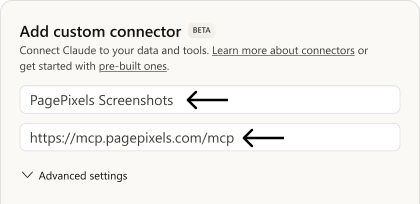
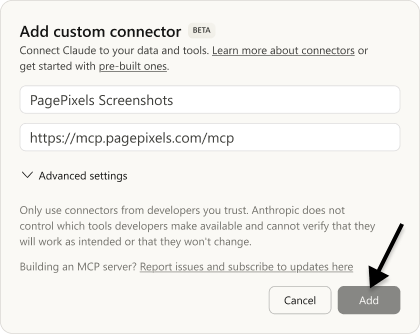
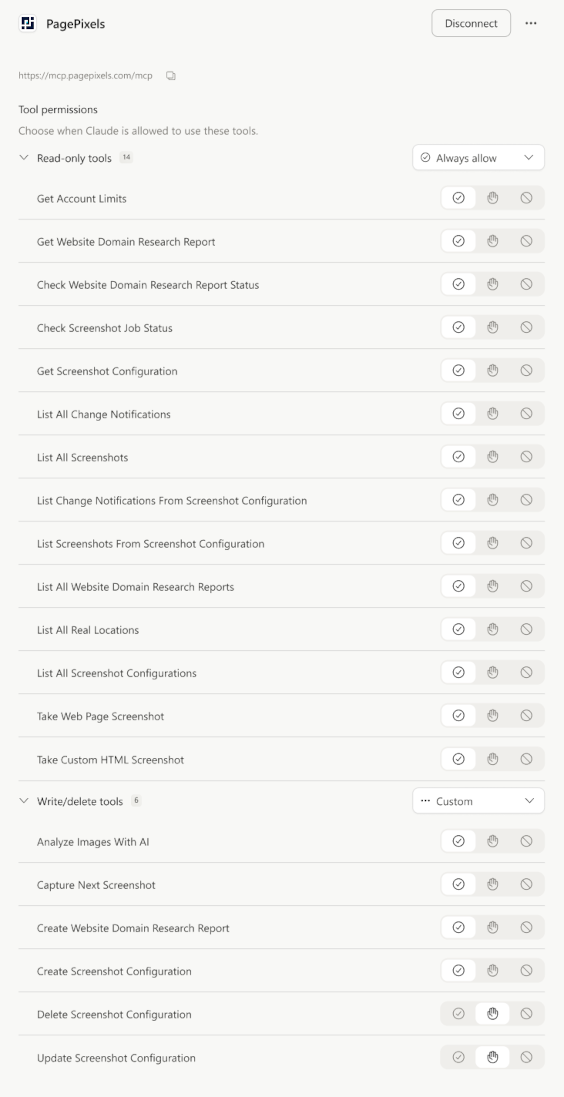
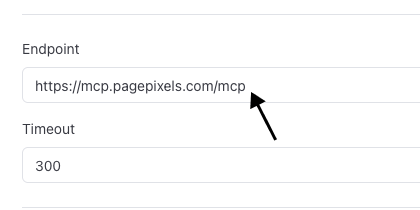
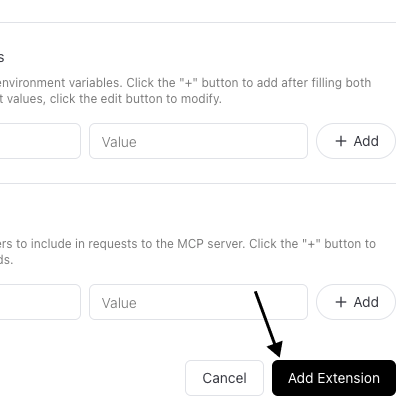
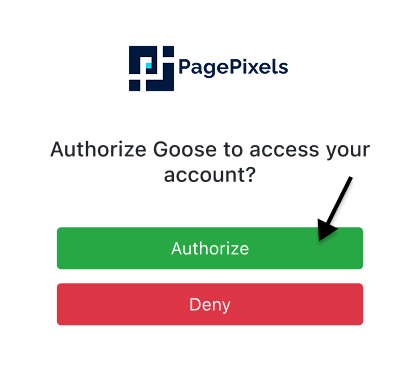
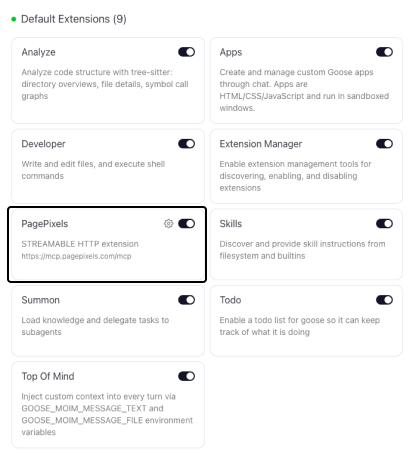
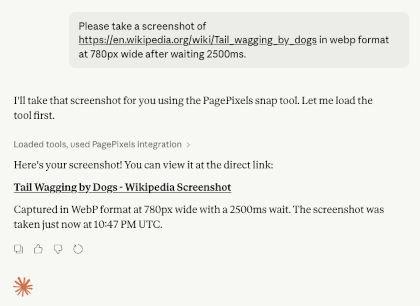
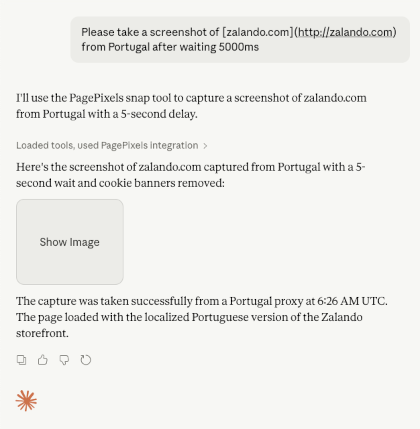
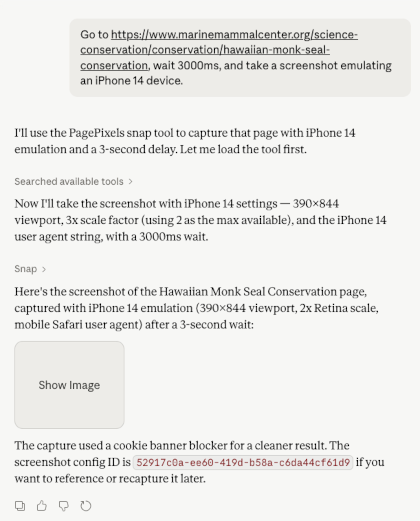
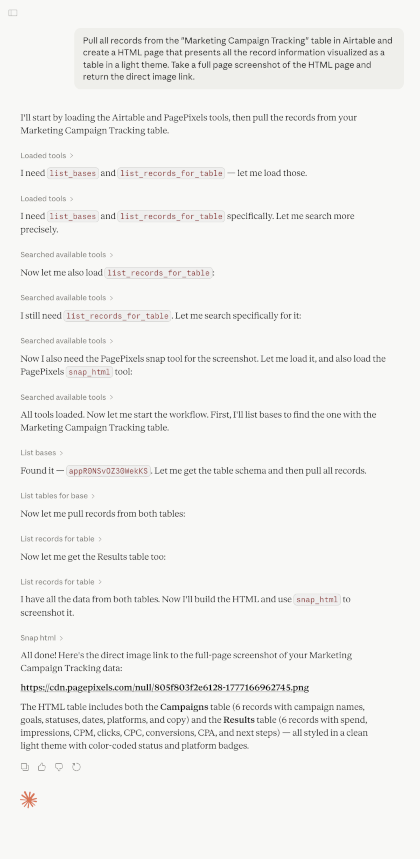
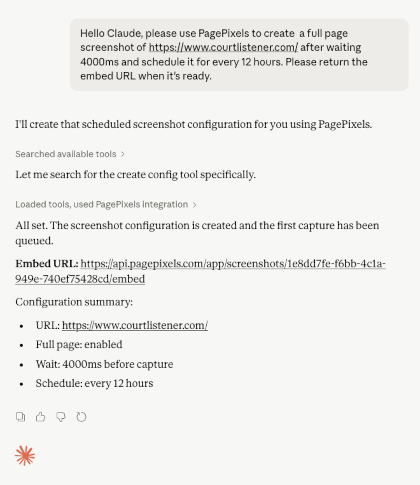
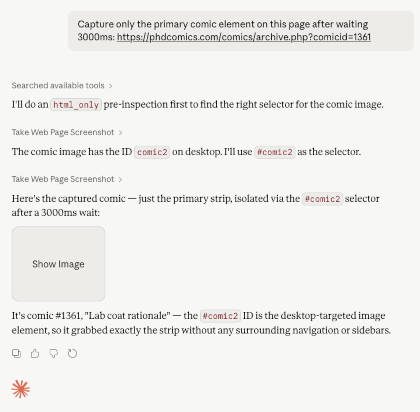
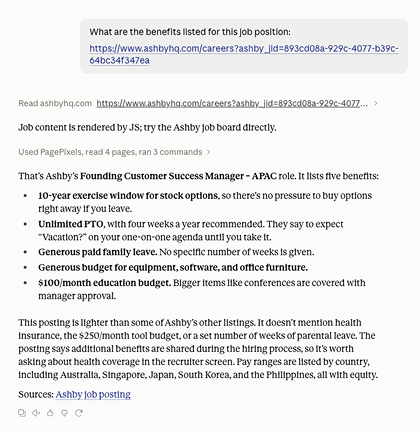
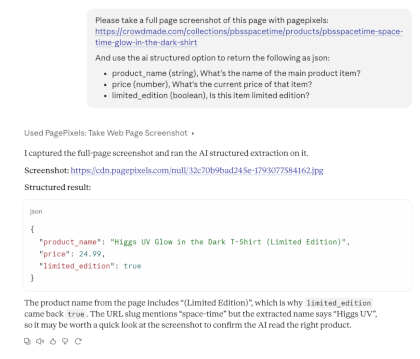
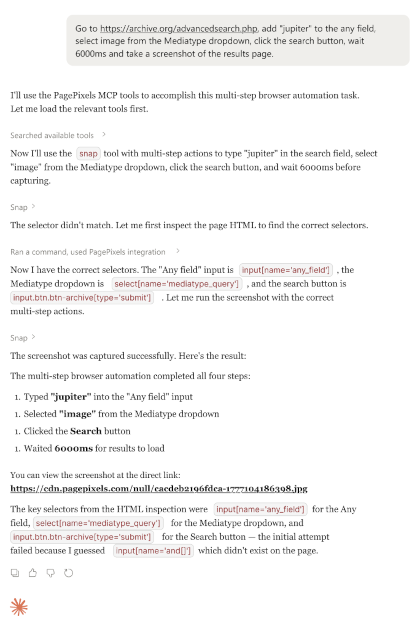
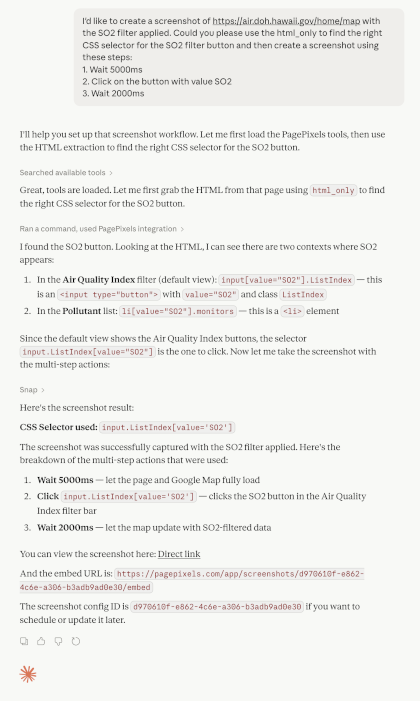
With the PagePixels Screenshots MCP Server, you can give your AI assistants advanced website screenshot capabilities, such as:
- Real Locations: Take screenshots from 150+ geographical locations.
- Custom HTML: Create screenshots from raw HTML and data available from other connectors in your AI client.
- Multi-Step Browser Actions: Run a set of pre-screenshot user actions on websites (e.g. filling out and submitting forms, navigating between pages, and applying filters).
- AI Analysis Screenshots: Take a screenshot and ask AI to analyze the image guided by your instructions. Ask a simple question or use structured mode to ask multiple questions and get typed data fields as the response. Learn more about AI screenshot options.
- Highly Configurable Screenshots: Remove cookie banners/ads, inject CSS/Javascript into a page, capture screenshots in different formats, wait for specific selectors, and 20+ more options.
-
Extract HTML:
Fetch HTML content from websites that dynamically generate their HTML using JavaScript. This can be especially useful when you want to:
- Give the AI context using a web page URL from a website that dynamically loads its content.
- Have the AI find the CSS Selector you need to capture a specific element on the page.
- Help the AI use Multi-Step Actions.
You can get started with PagePixels for free, and the MCP server is available to all plans.
Note: PagePixels MCP Server code is open source and viewable on Github.